Smile Dental Labs
Connect your intraoral scanner with Smile Dental Lab and submit digital cases with a faster, cleaner, and more accurate workflow.
Select your scanner platform below to view the exact connection instructions.
Connect Smile Dental Lab through your Doctor portal and use our unique lab ID for setup.
Add Smile Dental Lab as a connection in your 3Shape account using our email address.
Search Smile Dental Lab under Partners and add us directly to your Medit workflow.
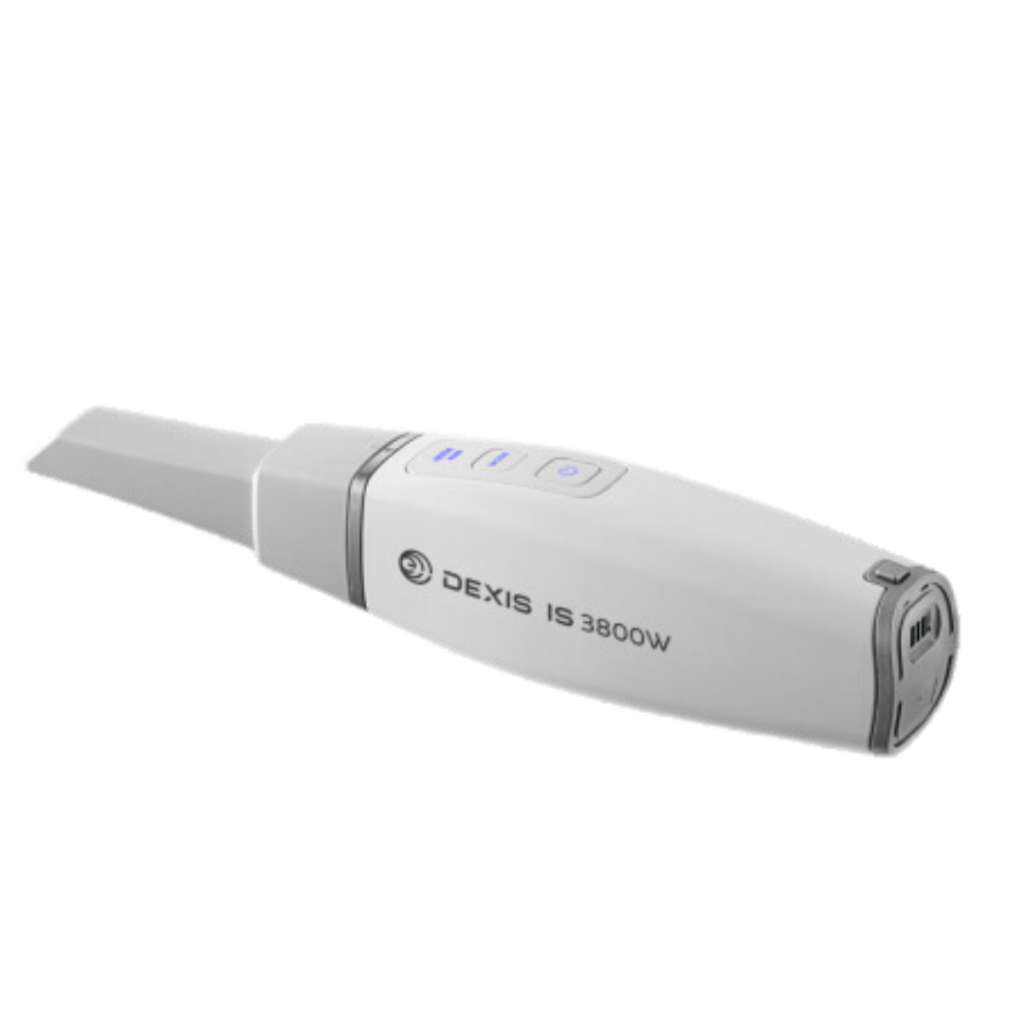
Invite Smile Dental Lab as your digital partner directly from the DEXIS platform.
Search Smile Dental Lab in your favorite labs using the provided zip code and add us.
Invite Smile Dental Lab from your CS Connect partner area and begin sending scans.
Use Vivascan to send your case to Smile Dental Lab by entering our lab information.
Request Smile Dental Lab in your Favorite Labs list and select us inside Case Manager.
Export your case from Romexis cloud and send it directly to Smile Dental Lab.
Call Straumann support to add Smile Dental Lab to your Cares Connect account.
Our support team can guide your practice through the setup process and help you start sending digital cases to Smile Dental Lab.
Scanner Connection Instructions